WhatsApp Error 131049: How to Fix 'Healthy Ecosystem Engagement'
Why WhatsApp shows "This message was not delivered to maintain healthy ecosystem engagement" (error 131049), what it means for your account, and how to fix it.

5 min read


In this article7 sections
You send a WhatsApp campaign, and some messages come back failed with this note:
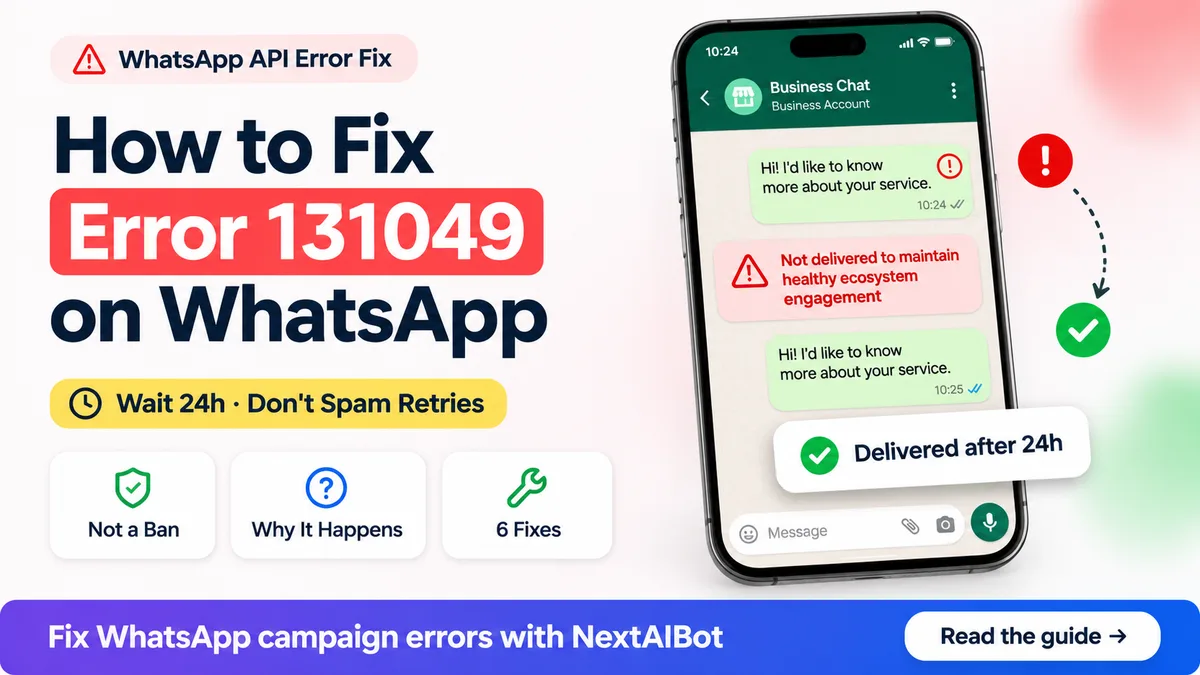
This message was not delivered to maintain healthy ecosystem engagement. (Error code 131049)
It's one of the most common WhatsApp Business API errors, and one of the most misunderstood. The good news: it usually doesn't mean your account is in trouble. This guide explains what the error means, why it happens, and what you can do about it.
Checked against Meta's developer documentation in November 2026. Meta updates these rules from time to time, so check the linked docs for the latest details.
What error 131049 means#
Error 131049 means WhatsApp chose not to deliver a marketing template message to that particular person. Meta calls this the per-user marketing template message limit.
In short, WhatsApp limits how many marketing messages one person receives from businesses. According to Meta, the limit adapts automatically based on that person's recent engagement, such as how often they read marketing messages and how many messages they currently have from friends, family and businesses.
So the message wasn't blocked because of something wrong with your template. It was held back because that recipient had already reached their limit for now.
Is my WhatsApp account banned?#
No. On its own, 131049 is not a ban and not an account restriction. It applies to individual recipients, which is why some messages in a campaign fail while others are delivered.
Account-level problems show up with different error codes, such as 368 or 131031 (account restricted or disabled for a policy violation) and 131048 (sending restricted because too many messages were blocked or reported as spam). If you see those, check your account quality in WhatsApp Manager.
Why it happens#
- The message is a marketing template. Each delivered marketing template counts towards the recipient's limit.
- The recipient gets a lot of marketing messages. People who receive many business messages, or who rarely read them, reach the limit sooner.
- The recipient has a US phone number. Meta says it does not currently deliver marketing template messages to WhatsApp users with United States phone numbers, and those attempts can also return 131049.
How to fix error 131049#
1. Wait at least 24 hours before resending#
This is Meta's own guidance: if you receive 131049, wait at least 24 hours before sending the template to that person again. Resending sooner will just fail again, because the limit can stay in place for differing periods of time.
2. Don't retry over and over#
Meta also limits excessive retries of marketing templates. Repeated attempts to the same person within 24 hours can make further delivery to them unavailable for up to 24 hours. Set your broadcasts to retry failed messages once, after a day, rather than in a loop.
3. Get people to reply#
When someone replies to your marketing message, it opens a 24-hour customer service window, and marketing messages sent within that window don't count towards the limit. Ask a simple question, add quick-reply buttons ("Yes, send details" / "Not now"), and make replying easy.
4. Send to engaged contacts first#
Because the limit adapts to each person's engagement, messages to people who read and reply are more likely to be delivered. Segment your list: send to recent customers and recent repliers, and send less often to people who haven't opened your messages in months.
5. Send fewer, better messages#
A daily promotion to everyone is the fastest way to hit this error. Send fewer campaigns, make each one relevant to the people receiving it, and keep the message short and clear. Our free WhatsApp Text Formatter helps you make offers easier to read.
6. Use the right template category, honestly#
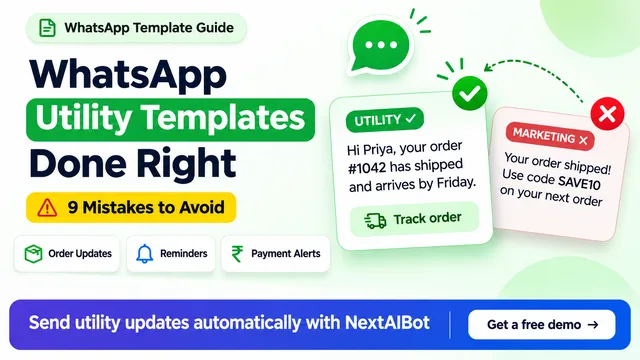
Meta describes this per-user limit for marketing templates. Order updates, delivery alerts and account notices belong in the utility category, so make sure genuine transactional messages are created as utility templates. But don't label promotions as utility to get around the limit. Meta recategorizes misused templates and can restrict utility templates on your account. Read our guide to creating utility templates without getting them marked as marketing.
Similar errors you might confuse with 131049#
| Code | What it means (per Meta) | What to do |
|---|---|---|
| 130472 | Message not sent as part of a Meta marketing message experiment | Nothing is wrong with your account; this is part of Meta's testing |
| 131026 | Unable to deliver: not a WhatsApp number, or the user hasn't accepted the latest terms | Ask the customer by another channel to check WhatsApp and update the app |
| 131047 | More than 24 hours since the customer last replied | Send an approved template instead of a free-form message |
| 131048 | Restricted because too many previous messages were blocked or flagged as spam | Check your quality status in WhatsApp Manager and improve message quality |
| 131056 | Too many messages to the same person in a short time | Wait before messaging that number again |
| 130429 | API throughput limit reached | Slow down sending and try again later |
| 132001 | Template doesn't exist in that language or isn't approved | Check the template name, language and approval status |
| 132012 | Variable values don't match the template's format | Fix the parameters you send with the template |
Full list: WhatsApp Cloud API error codes.
A quick checklist#
- Is the failed message a marketing template? Expect some 131049s; they're normal.
- Did you wait at least 24 hours before resending?
- Are you retrying only once, not in a loop?
- Are you asking for replies to open the 24-hour window?
- Are you sending mainly to people who engage?
- Is each template in the honest category?
Send smarter campaigns with less effort#
Managing retries, segments and replies by hand quickly becomes a full-time job. With NextAIBot's WhatsApp broadcast, you can send approved templates to opted-in contacts, see delivery reports, and handle every reply in one shared inbox, where an AI assistant can answer common questions instantly and keep the conversation going.
Quick recap: error 131049 means WhatsApp held back a marketing message because that person reached their marketing limit. It's not a ban. Wait 24 hours before resending, don't retry in a loop, encourage replies, send to engaged contacts, and send fewer, better campaigns.
Found this useful? Share it.
Written by
NextAIBot Team
NextAIBot builds WhatsApp, Instagram and Google Business automation for growing businesses. Our team writes practical, step-by-step guides on customer messaging, reviews and lead follow-up.