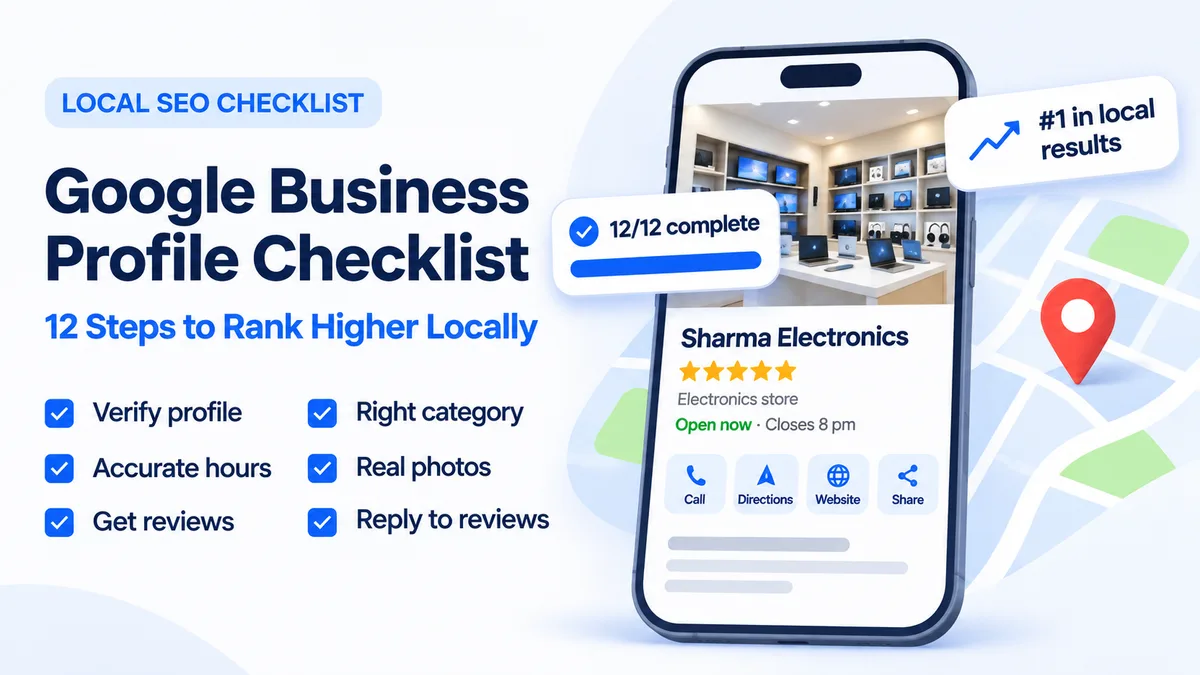
Google Business Profile Checklist: 12 Steps to Rank Higher Locally
A practical 12-step checklist to complete and optimise your Google Business Profile so more nearby customers find you on Google Search and Maps.

4 min read


In this article15 sections
- 1. Claim and verify your profile
- 2. Use your real business name
- 3. Choose the right primary category
- 4. Keep your address and phone number consistent
- 5. Add accurate hours, including holidays
- 6. Write a helpful business description
- 7. Add your services or products
- 8. Upload real photos regularly
- 9. Get reviews steadily
- 10. Reply to every review
- 11. Post updates
- 12. Make it easy to contact you
- Bonus: support your profile from your website
- Track your results
- Keep it running without the manual work
When people search for "AC repair near me" or "cafe in Bhopal", Google shows a map with three businesses at the top. Getting into those spots brings calls, direction requests and walk-ins without spending on ads.
Google says local results are based mainly on relevance, distance and prominence. You can't change your distance from the searcher, but you can improve the other two. This checklist covers what to do.
1. Claim and verify your profile#
If you haven't already, search for your business on Google and claim it, or create a profile at google.com/business. Complete Google's verification. Unverified profiles have limited features and are less trusted.
2. Use your real business name#
Use the exact name customers see on your signboard and bills. Don't add keywords or locations to the name (for example, "Sharma Dental – Best Dentist in Indore"). It breaks Google's guidelines and can get your profile suspended.
3. Choose the right primary category#
Your primary category is one of the strongest relevance signals. Pick the most specific one that matches your main business, for example "Dental clinic" rather than "Doctor". Then add a few accurate secondary categories for other services you offer.
4. Keep your address and phone number consistent#
Your name, address and phone number should match exactly across your Google profile, website, Facebook page and directory listings. Use a local phone number that customers can actually reach.
If you visit customers at their location (plumbers, home tutors, etc.), set a service area and hide your address if customers don't come to you.
5. Add accurate hours, including holidays#
Wrong hours lead to angry customers and bad reviews. Set regular hours, and add special hours for festivals and holidays.
6. Write a helpful business description#
Describe what you do, who you serve and what makes you different, in plain language. Mention your main services and area naturally. Don't stuff keywords or include links or promotions.
7. Add your services or products#
List your main services or products with short descriptions and prices where possible. This helps Google understand what you offer and helps customers decide faster.
8. Upload real photos regularly#
Add your logo, a cover photo, and real photos of your shop front (so people can find you), your interior, your team and your work or products. Add new photos every few weeks. Avoid stock images.
9. Get reviews steadily#
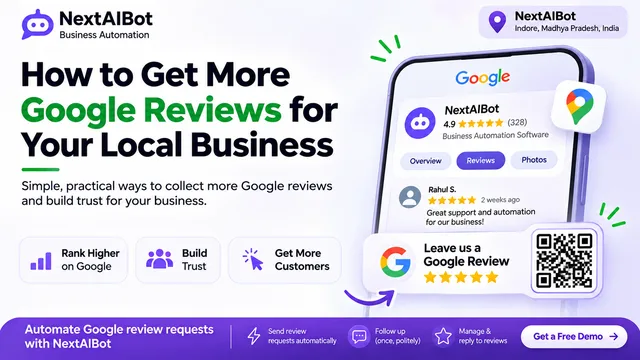
Review count, rating and recency all matter for both ranking and trust. Ask every customer, at the right moment, with a direct link. Our free Google Review Link Generator creates the link and a printable QR code, and our guide on getting more Google reviews covers the full process.
Never buy reviews or offer rewards for them. It's against Google's policies.
10. Reply to every review#
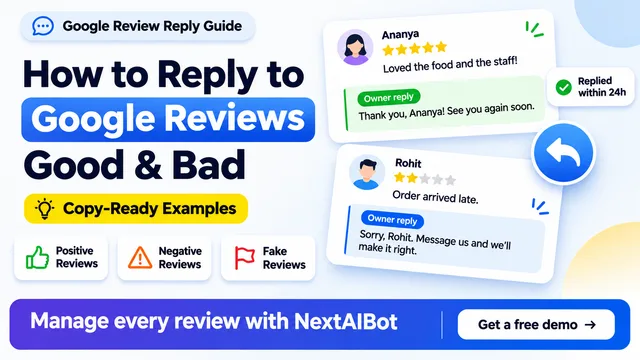
Replies show you're active and care about customers. Thank happy customers specifically and handle complaints calmly. See how to reply to Google reviews for examples.
11. Post updates#
Use Google posts to share offers, events, new products and news. Posts keep your profile looking active and give customers a reason to choose you. A short post with a good photo every week or two is a good rhythm.
12. Make it easy to contact you#
- Add your website.
- Turn on messaging or add a WhatsApp link so customers can reach you instantly. Create one with our free WhatsApp Link Generator.
- Add a booking link if you take appointments.
- Answer questions in the Q&A section, and add common questions yourself.
Bonus: support your profile from your website#
Your website helps Google trust your profile. Make sure it shows the same name, address and phone number, has a page for each main service, and loads fast on mobile. Our local SEO services cover this if you'd like help.
Track your results#
Your Business Profile shows how many people viewed your profile, searched for you, called, requested directions and visited your website. Check it monthly to see what's working.
Keep it running without the manual work#
The profiles that rank best are the ones that stay active: new reviews, quick replies and regular posts. NextAIBot's Google Business automation sends review requests automatically after each sale, brings reviews into one dashboard for quick replies, and helps you keep your profile active.
Quick recap: verify, use your real name, pick the right category, keep details consistent, add hours, services and photos, collect and reply to reviews, post regularly, and make it easy to contact you.
Found this useful? Share it.
Written by
NextAIBot Team
NextAIBot builds WhatsApp, Instagram and Google Business automation for growing businesses. Our team writes practical, step-by-step guides on customer messaging, reviews and lead follow-up.