How to Get More Google Reviews for Your Local Business (The Right Way)
Practical ways to collect more Google reviews without breaking Google's rules, with ready-to-use message templates and a free review link generator.

4 min read


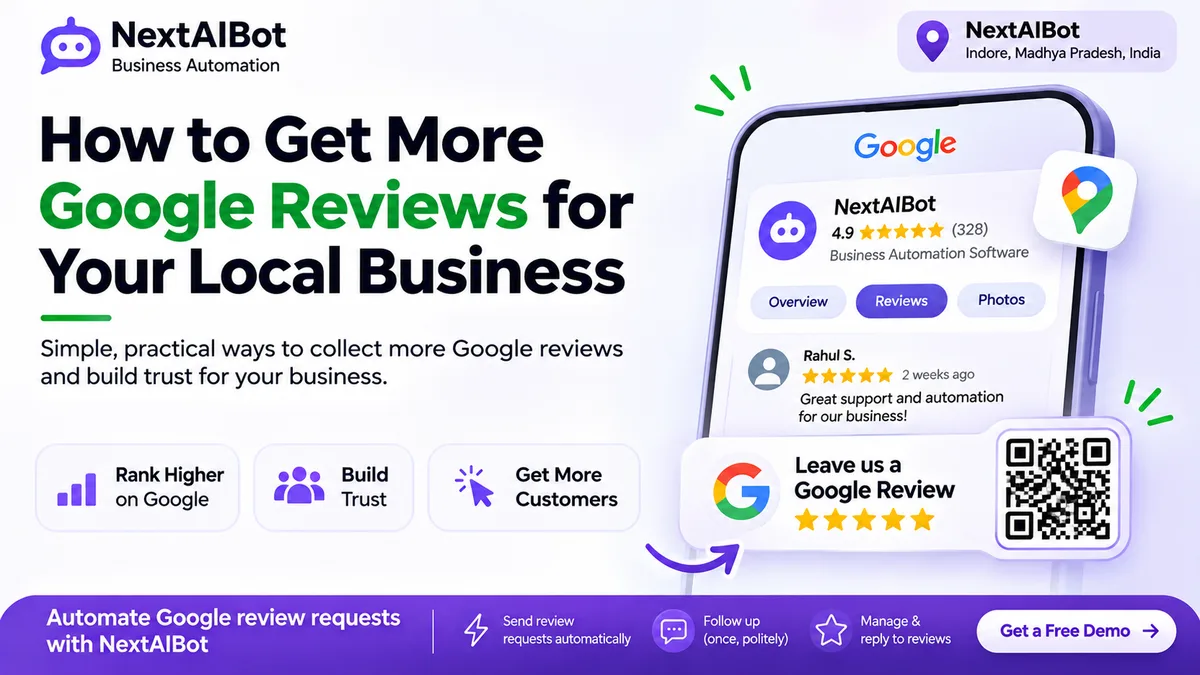
In this article8 sections
When someone searches "dentist near me" or "best cafe in Indore", the businesses with more recent, positive Google reviews get the clicks. Reviews help you show up in Google Maps and local results, and they help people choose you once you do.
The good news is that most happy customers will leave a review if you make it easy and ask at the right moment. This guide covers how to do that, and what Google does not allow.
Why Google reviews matter#
- Local ranking. Google says prominence is one of the main factors in local results, and review count and rating are part of how it judges that.
- Trust. Most people read reviews before visiting a new business, and a profile with a handful of old reviews looks inactive.
- Conversion. A good rating with recent reviews makes people more likely to call, message or visit.
Step 1: Get your direct review link#
Never tell customers to "search for us on Google and leave a review". Every extra step loses people. Give them a link that opens the review box directly.
You can get one in two ways:
- From your Google Business Profile. Search for your business on Google while logged in as the owner, then use the Ask for reviews option to copy a share link.
- With our free Google Review Link Generator. Paste your Place ID and get the direct link, a printable QR code and a ready WhatsApp message.
Step 2: Ask at the right moment#
Timing matters more than wording. Ask when the customer is happiest:
- Right after a successful delivery or installation
- When a patient says they feel better after treatment
- When a customer thanks you or compliments your staff
- Soon after checkout, while the visit is still fresh
A request sent the same day usually works far better than one sent a week later.
Step 3: Ask on WhatsApp, not just email#
Most customers open WhatsApp messages quickly; many marketing emails go unread. A short, personal WhatsApp message with the review link is one of the easiest ways to get reviews.
Here's a template you can copy:
Hi Priya, thank you for visiting Sharma Dental Clinic today 🙏
If you were happy with your visit, could you take 30 seconds to leave us a Google review? It really helps other patients find us.
⭐ [your review link]
A few tips:
- Use their name and mention what they bought or did.
- Keep it short. Three lines is plenty.
- Send one reminder at most. A gentle nudge two or three days later is fine. Repeated messages are not.
Step 4: Make it easy in person#
For walk-in businesses, put the review QR code where customers wait or pay:
- On the billing counter
- On the back of the bill or receipt
- On a table tent in restaurants and cafes
- On product packaging or thank-you cards
Add a clear line such as "Loved your visit? Scan to review us on Google."
Step 5: Reply to every review#
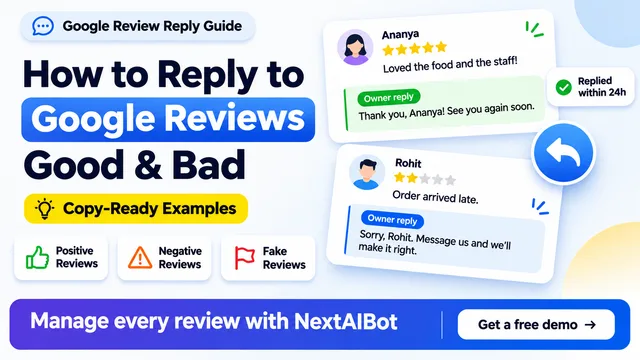
Replying shows potential customers that you care, and it encourages others to leave reviews too.
- Positive reviews: thank them by name and mention something specific.
- Negative reviews: stay calm, apologise for the experience, and offer to fix it offline ("Please message us at … so we can make this right"). A polite, helpful reply to a bad review often builds more trust than a perfect rating.
What Google does not allow#
Breaking these rules can get reviews removed or your profile penalised:
- No incentives. Don't offer discounts, gifts or cashback in exchange for reviews.
- No review gating. Don't ask only happy customers, or send unhappy customers somewhere else first. Ask everyone the same way.
- No fake reviews. Don't write reviews yourself, ask staff or family to post them, or buy them.
- Avoid review kiosks. Google advises against setting up a device at your premises for customers to post reviews on. Let them review from their own phone.
Asking every customer honestly for a review is allowed, and it's the method that works long-term.
Put review requests on autopilot#
The hardest part isn't knowing what to do; it's remembering to do it for every single customer, every day.
NextAIBot's Google Business automation can send a WhatsApp review request automatically after each sale or appointment, follow up once, and bring new reviews into one dashboard so you can reply quickly. You set it up once, and the reviews keep coming.
Quick recap: get a direct review link, ask on WhatsApp at the happiest moment, put a QR code at your counter, reply to every review, and never pay or filter for reviews.
Found this useful? Share it.
Written by
NextAIBot Team
NextAIBot builds WhatsApp, Instagram and Google Business automation for growing businesses. Our team writes practical, step-by-step guides on customer messaging, reviews and lead follow-up.