How to Reply to Google Reviews (With Examples for Good and Bad Reviews)
A simple framework for replying to positive, negative and fake Google reviews, with copy-ready examples you can adapt for your business.

4 min read


In this article9 sections
Your replies to Google reviews are public. Future customers read them to judge how you treat people, especially when something goes wrong. A thoughtful reply can win over a reader even when the review itself is negative.
Here's a simple way to reply to every type of review, with examples you can adapt.
Why replying matters#
- Future customers read your replies. They show how you handle problems.
- It encourages more reviews. Customers are more likely to leave a review when they can see the owner reads them.
- It's a chance to fix problems. An unhappy customer who gets a quick, fair response may change their mind.
Google also encourages businesses to respond to reviews as part of managing their Business Profile.
How to reply#
You can reply from your Google Business Profile: search for your business on Google or open Google Maps while signed in as the owner, go to Reviews, and choose Reply under a review. Replies can be edited or deleted later.
Replying to positive reviews#
Keep it short, warm and specific. Use this pattern:
- Thank them, by name if you can.
- Mention something specific from their review.
- Invite them back.
Example (restaurant):
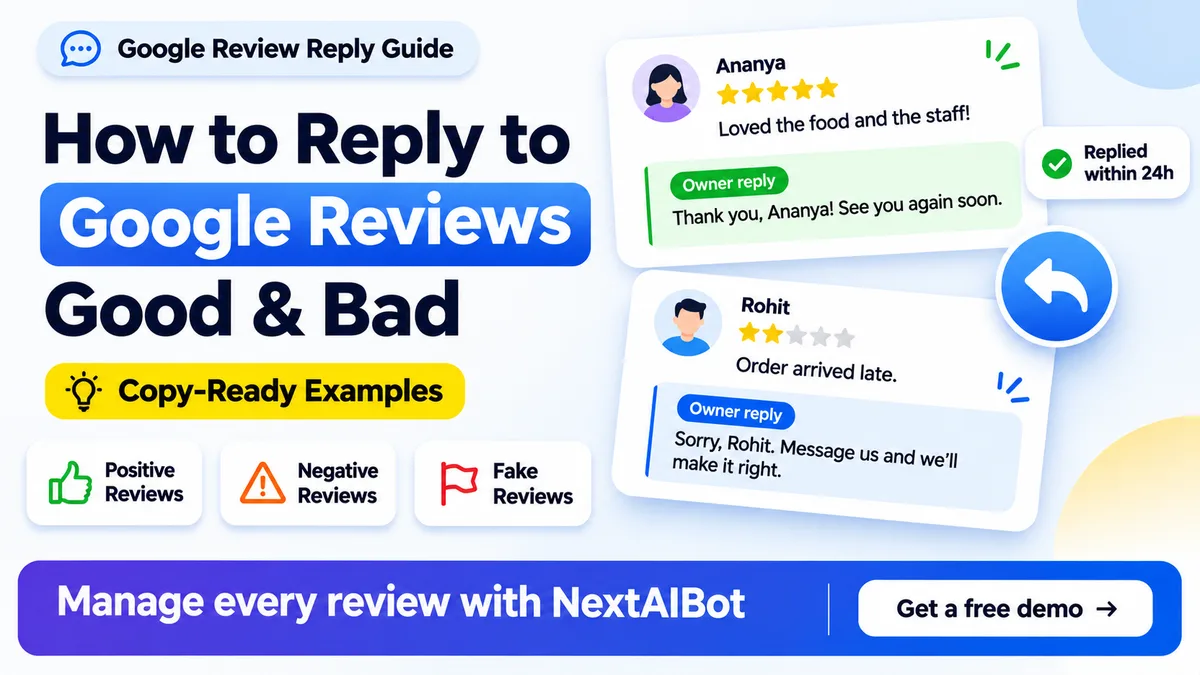
Thank you, Ananya! So glad you enjoyed the paneer tikka and that our team made your birthday dinner special. We'd love to see you again soon.
Example (clinic):
Thanks so much, Mr Verma. We're happy the treatment went smoothly and that you felt comfortable throughout. Wishing you good health!
Avoid: copying the same "Thanks for your review!" on every review. Readers notice, and it looks automated.
Replying to negative reviews#
This is where replies matter most. Use the A-E-O pattern:
- Acknowledge the problem and thank them for the feedback.
- Explain or apologise briefly, without excuses or arguing.
- Offer to make it right, and move the conversation offline.
Example (late delivery):
Hi Rohit, thank you for letting us know, and we're sorry your order arrived two days late. That's not the experience we want for anyone. Please message us on WhatsApp at 98765 43210 with your order number and we'll make it right.
Example (rude staff):
Hi Kavya, we're sorry about how you were treated during your visit. This isn't how we want our customers to feel, and we're speaking to our team about it. We'd really like to hear more. Please call us on 98765 43210.
Rules for negative reviews:
- Reply within a day or two if you can.
- Never argue or blame the customer in public, even if you disagree.
- Don't share private details such as order history or medical information.
- Keep it short. Long, defensive replies look worse than the review.
- Follow through. If you offer to fix it, do it.
Replying to mixed reviews#
Thank them for the positives and address the negative.
Thanks, Sameer! We're glad you liked the room and the location. You're right that check-in took too long on Saturday, and we're adding staff at the front desk on weekends. Hope to host you again.
Replying to reviews with no text#
A short thank-you is enough:
Thank you for the 5-star rating, Pooja! We appreciate your support.
What to do about fake or abusive reviews#
If a review breaks Google's policies (for example spam, fake engagement, hate speech, or a review from someone who was never a customer), you can report it from your Business Profile. Google reviews reported content against its policies; it does not remove reviews simply because they're negative.
While you wait, it's fine to reply calmly and factually:
We have no record of a customer by this name or a visit on this date. If we've missed something, please contact us on 98765 43210 so we can look into it.
Make it a habit#
- Check new reviews at the same time every day or two.
- Reply to every review, positive and negative.
- Share recurring complaints with your team; reviews are free feedback.
- Keep asking every customer for a review. Our free Google Review Link Generator gives you a direct link and QR code.
For more ideas on collecting reviews, read how to get more Google reviews the right way.
Manage reviews from one place#
When you get several reviews a day across locations, keeping up becomes a job of its own. NextAIBot's Google Business automation brings new reviews into one dashboard, helps you draft replies faster, and sends review requests to customers automatically after each visit.
Quick recap: thank happy customers specifically, handle complaints with acknowledge-apologise-offer, move problems offline, report reviews that break the rules, and reply to every review.
Found this useful? Share it.
Written by
NextAIBot Team
NextAIBot builds WhatsApp, Instagram and Google Business automation for growing businesses. Our team writes practical, step-by-step guides on customer messaging, reviews and lead follow-up.